KR EN

Drawing Management

Efficient Management of Large-Scale Design Drawings
Provides functions to easily find, review, edit,
and plot drawings without opening each file

By utilizing drawing information such as project name, drawing title,
and drawing number recorded within the file, users can efficiently manage
a large number of design drawings with simple search, convenient editing, and batch plotting.

Convenient drawing search &
information viewing
Batch editing of
drawing information
Batch plotting of
multiple drawings
Efficient Drawing
Management
Drawing Search &
Information
Viewing
  • 01User-Defined Folder
  • 02Drawing Information Viewing
  • 03Drawing Preview
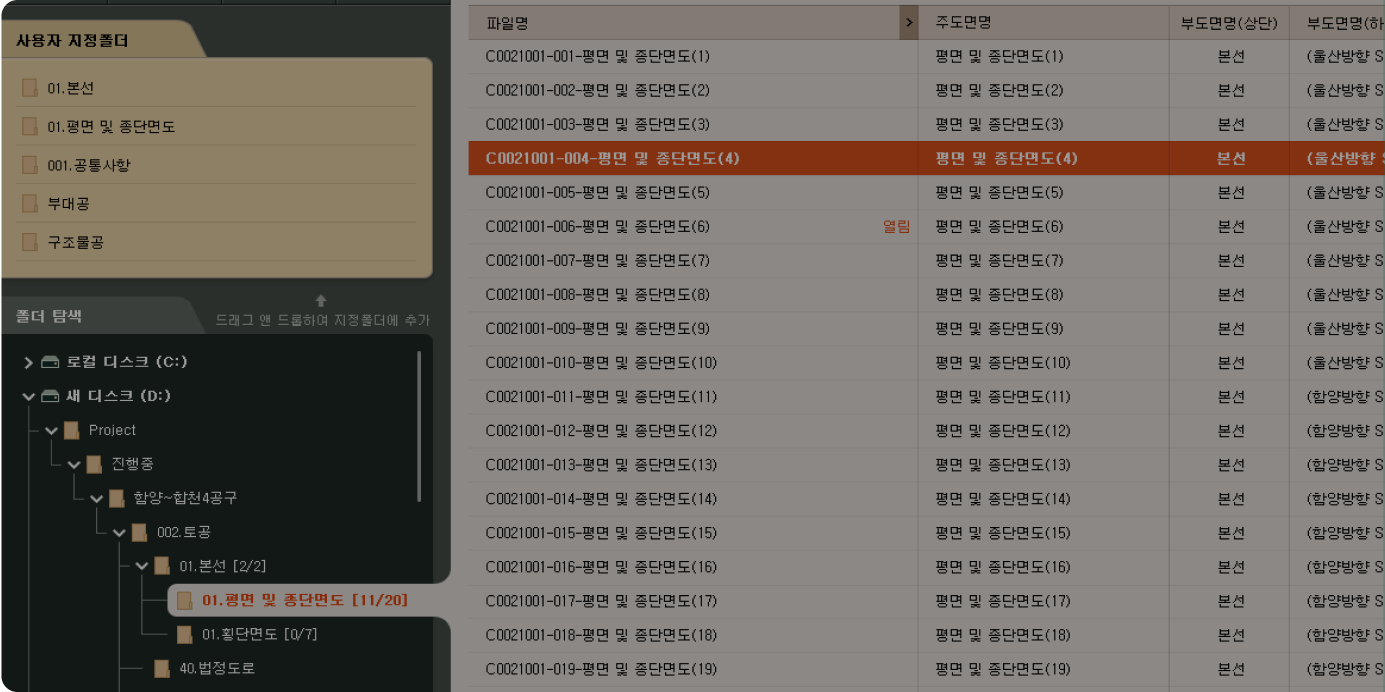
User-Defined Folder
Add frequently used folders to the User-Defined Folder panel by dragging and dropping from the folder explorer, so you can quickly access them when needed.
Add frequently used folders
to the User-Defined Folder panel
Reduce folder search time
for more efficient work.
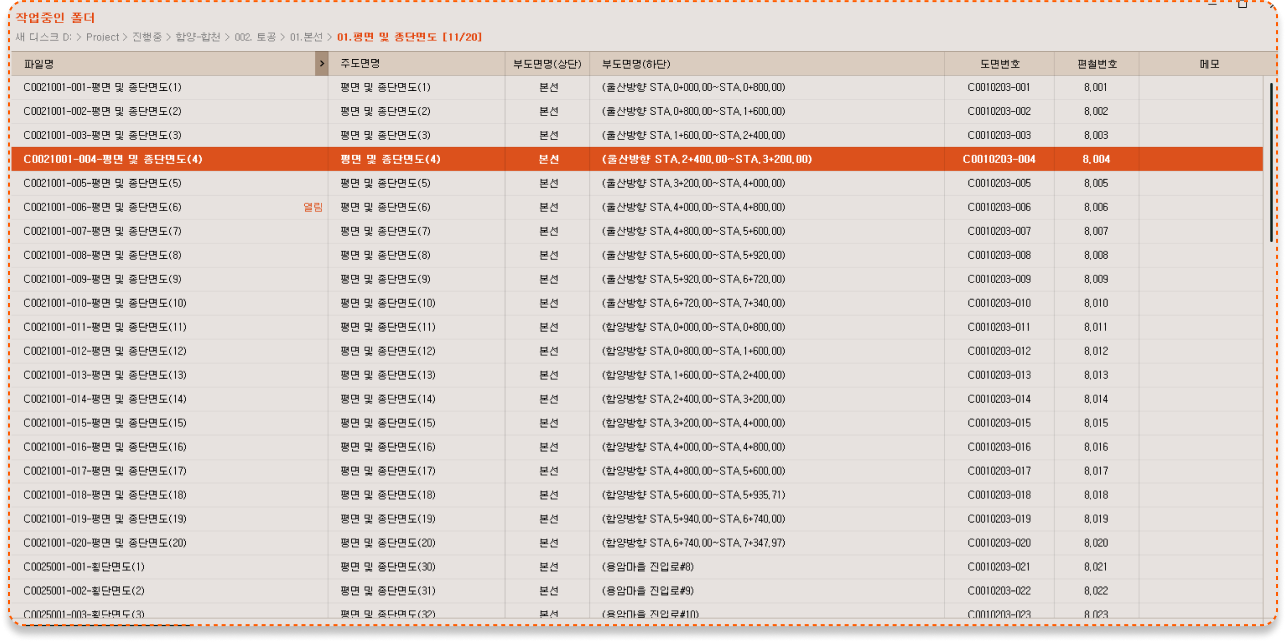
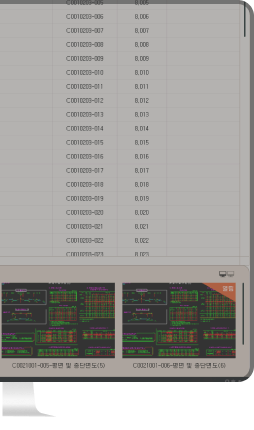
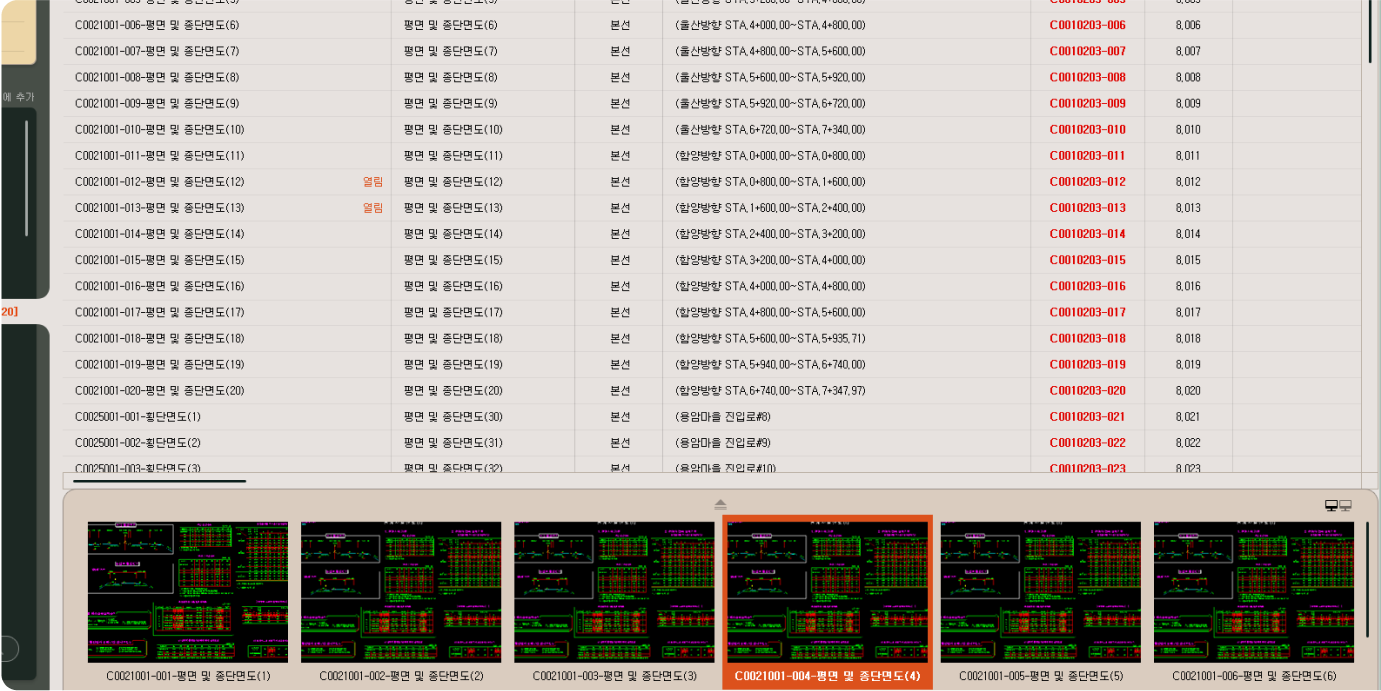
Drawing Information Viewing
Easily load and check drawing information such as project name, drawing title, and drawing number.
Instantly view the drawing
information you need
Improve accuracy
and efficiency with
faster data access
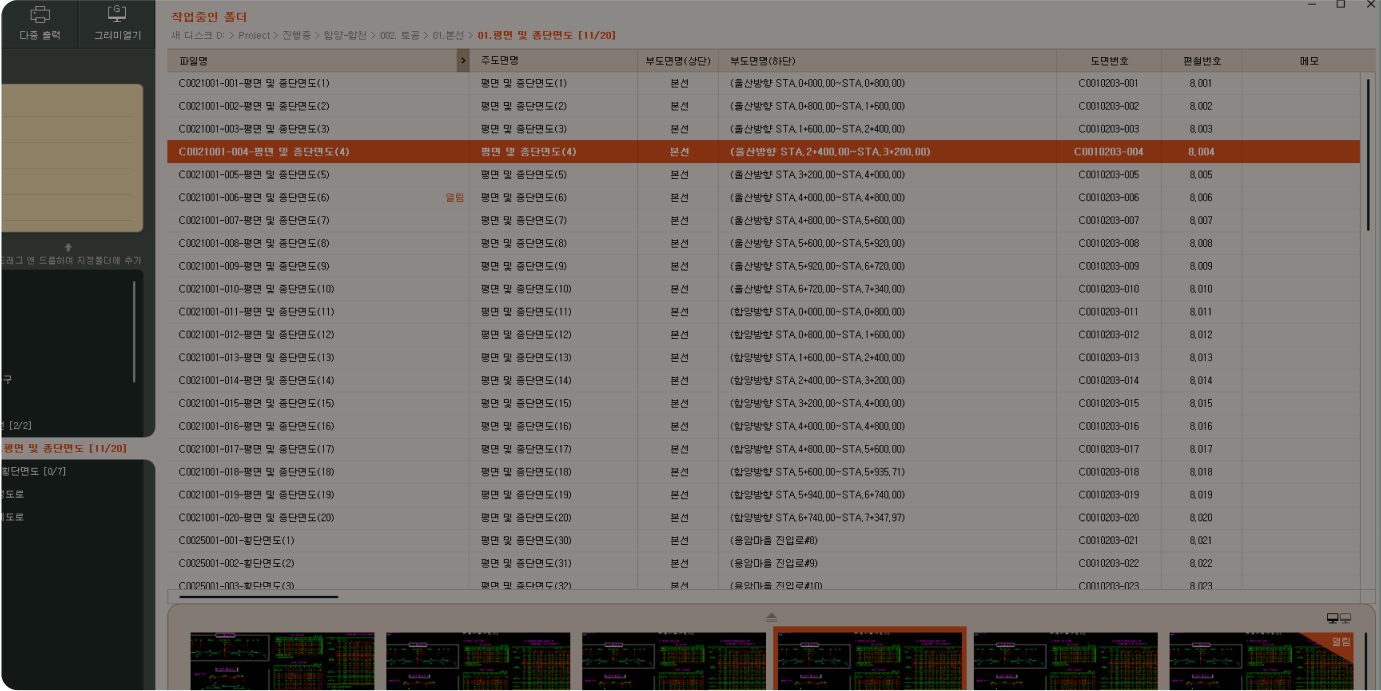
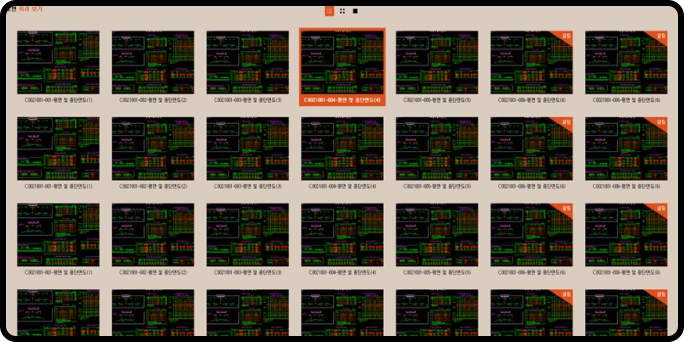
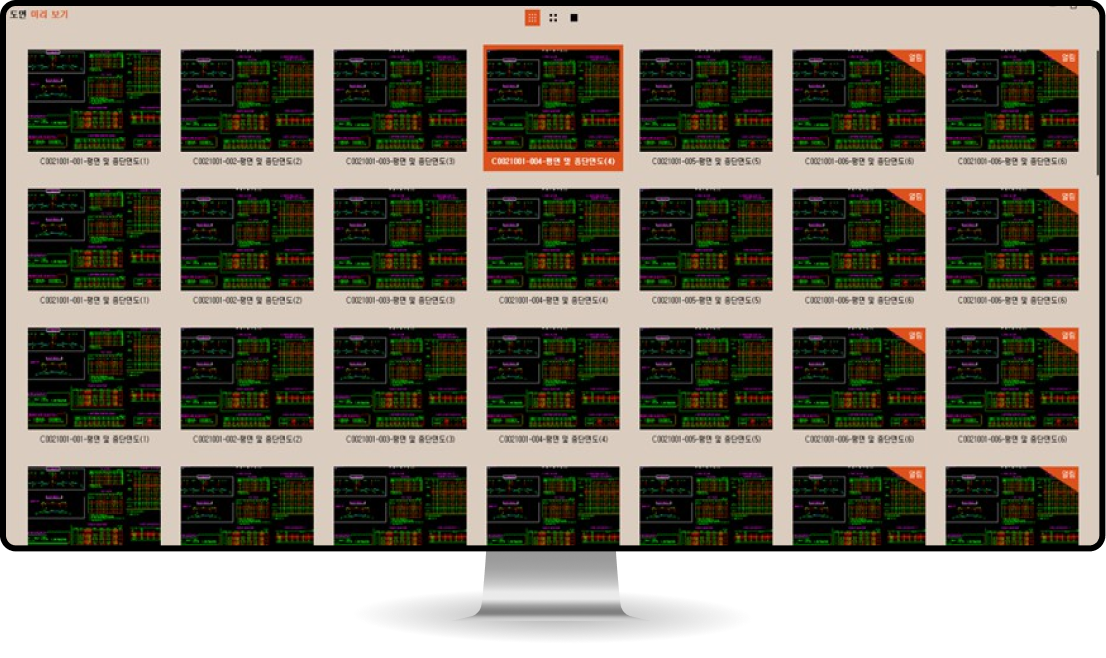
Drawing Preview
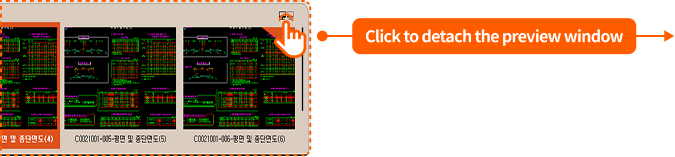
In dual mode, the drawing preview window can be separated for flexible use.
Each preview window can be placed on different monitors,
allowing users to conveniently view drawings without opening the actual files.
Separate the drawing preview
window in dual mode
View drawings conveniently
without opening them
Drawing Information
Selection &
Editing
  • 01Edit Drawing Information
  • 02Select Drawing Information to View
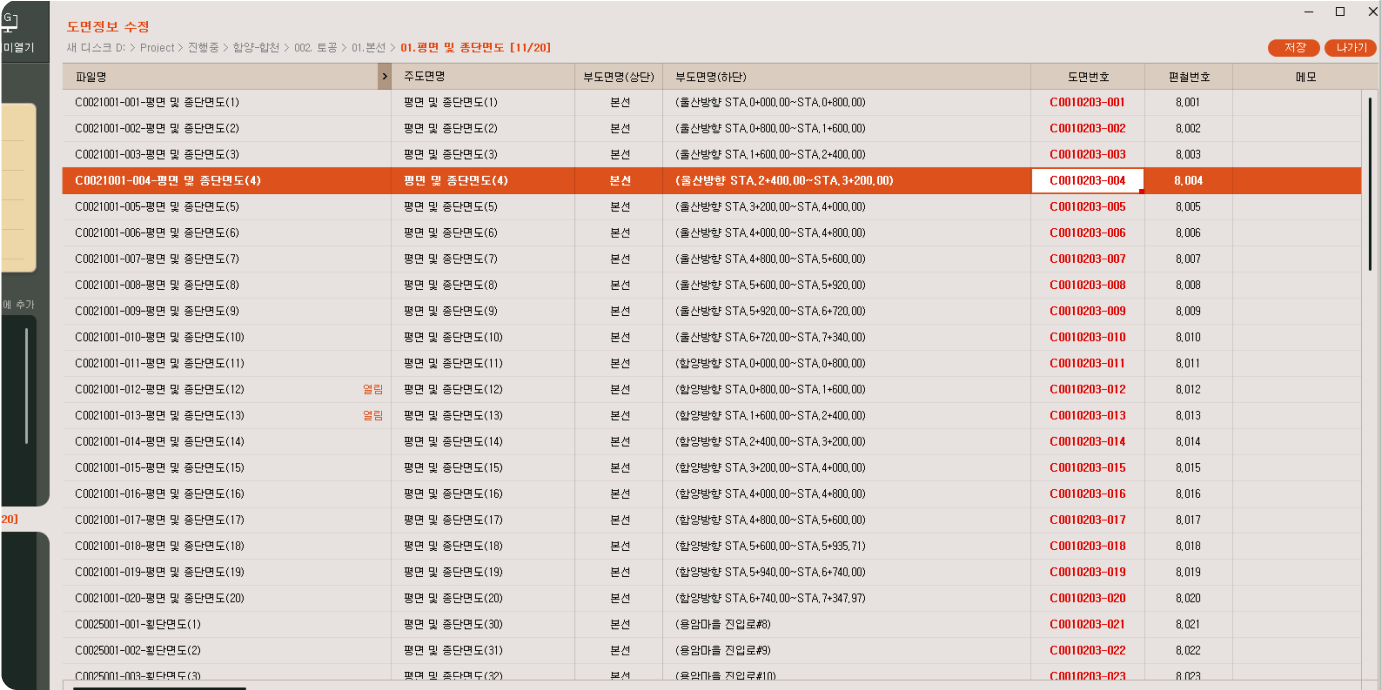
Editing Drawing Information
Select the desired drawing information to edit multiple drawings at once.
Batch editing is supported with an Excel-style drag interface for quick and easy updates.
Batch editing with
Excel-style drag control
Reduce repetitive tasks
for faster and
more accurate edits
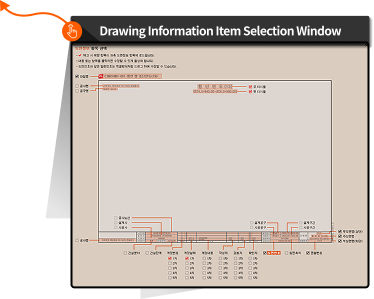
Selecting Drawing Information to View
Select which drawing information to display, and easily add or remove it from the drawing list.
The interface also indicates which data is currently being modified.
Select drawing information
to add or remove from the list
Flexible drawing
management
for more
efficient workflow
Plot Option Settings &
Batch
Plotting
  • 01Select Files and View Plot Options
  • 02Adjust Plot Options & Preview
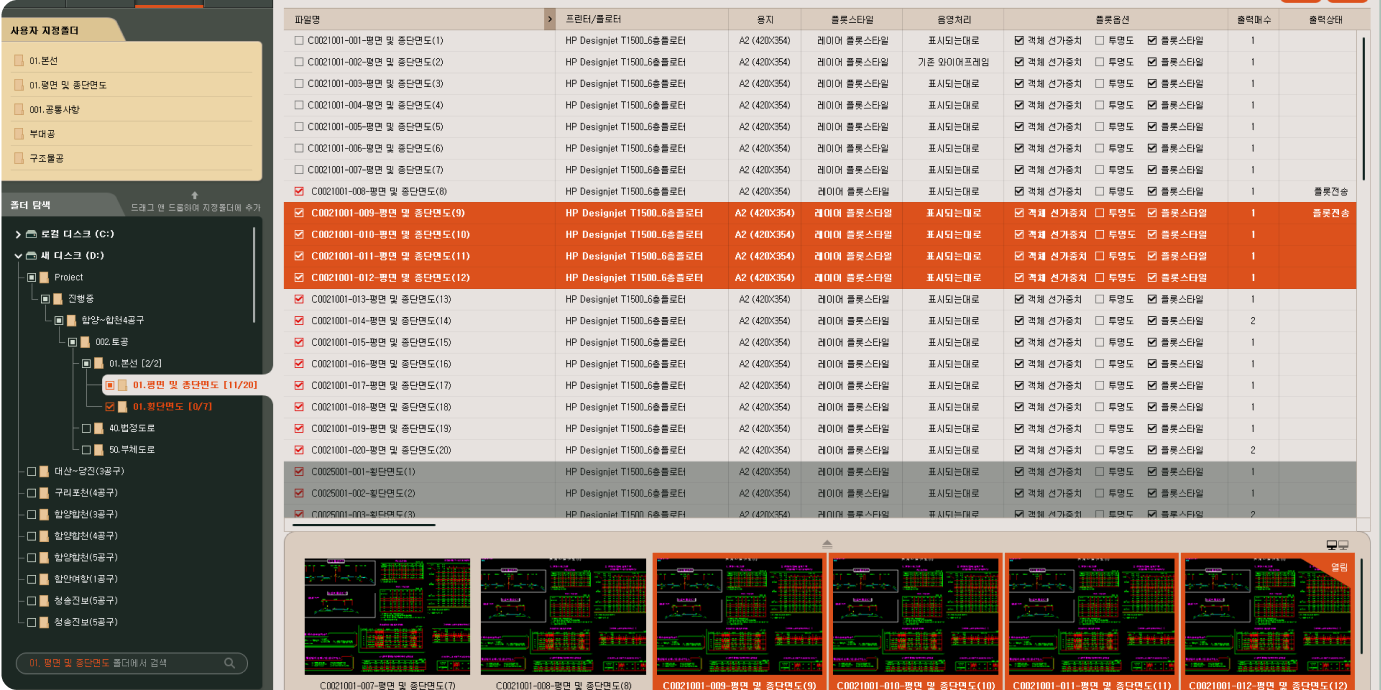
Select Files and View Plot Options
The drawing list of the selected folder appears in the explorer,
allowing users to select drawings for plotting and check their plot options.
View the drawing list
for multiple selections
and plot options
Quickly review drawings
and process batch output
with ease
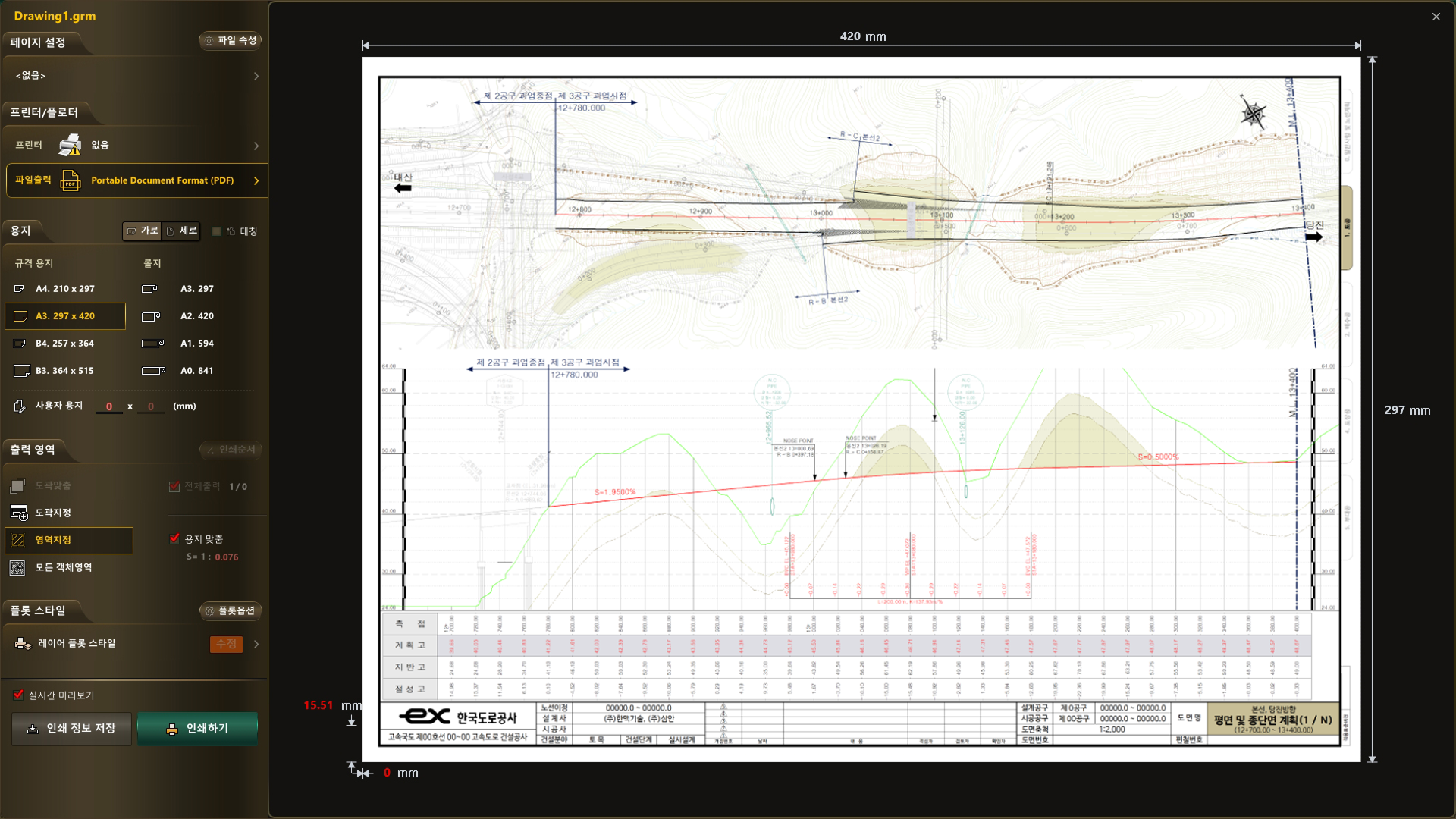
Adjust Plot Options & Preview
Plot options can be adjusted individually or in batches,
and previewing before plotting is available to ensure accuracy.
Adjust plot options
individually or in batches and
preview before plotting
Review plot options
first to reduce errors
and improve accuracy