-
Interface
Easy & Simple
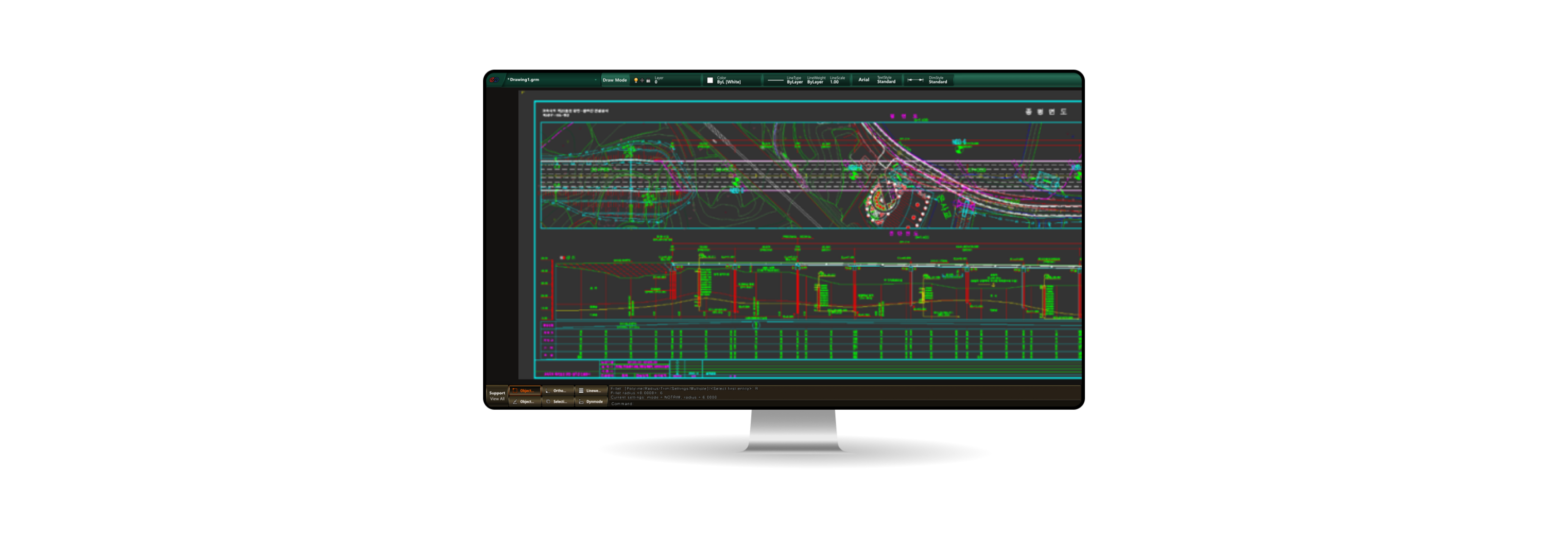
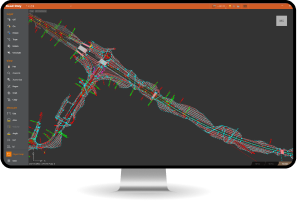
Interface Designed with user convenience as the top priority, EG-BIM replaces the complex and cluttered interface with a clean, intuitive menu layout that anyone can use with ease. -
Grouping
Grouped by Function,
Refined in design The interface is simplified and systemized by function, allowing users to easily locate the tools they need through structured menus. -
Imaging
Visualized
Information Delivery Object Property Information is displayed visually with images, making it easier for users to understand and improving clarity in information delivery.- Property windows by object type
- Displays basic, geometric, and positional data
- Improves readability and work efficiency
-
File Menu
Object Properties Display
Workspace Settings
Command Icons
Spacious Workspace
-
Object Properties Menu
Home Menu
Workspace Icon Bar
Command Icon Bar
-
Object Property Window